

Subscribe To Our Newsletter!
Subscribe to the newsletter to stay up to date with the latest news and most useful
Newsletter
↑
Back to Top



Product Overview |
|---|
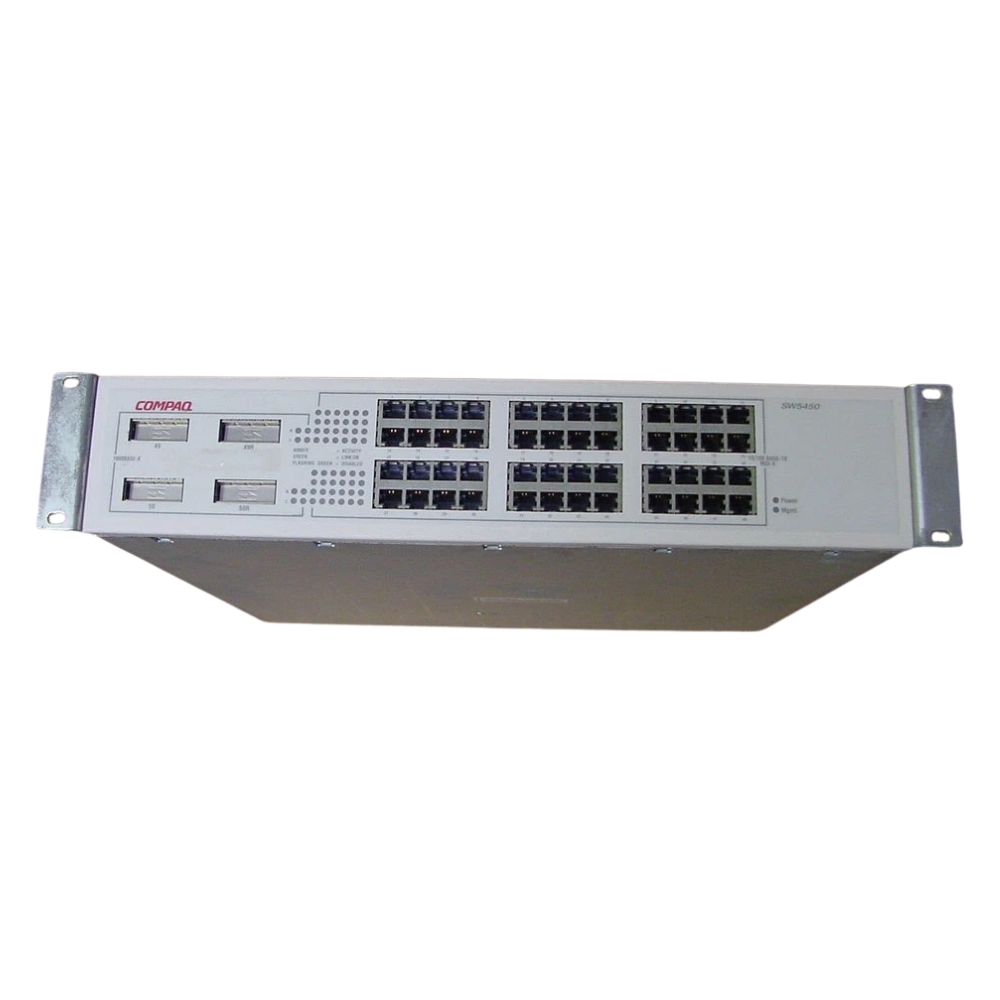
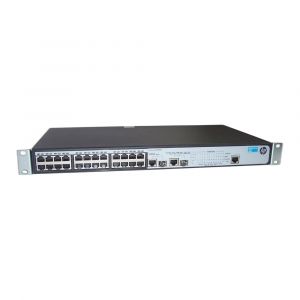
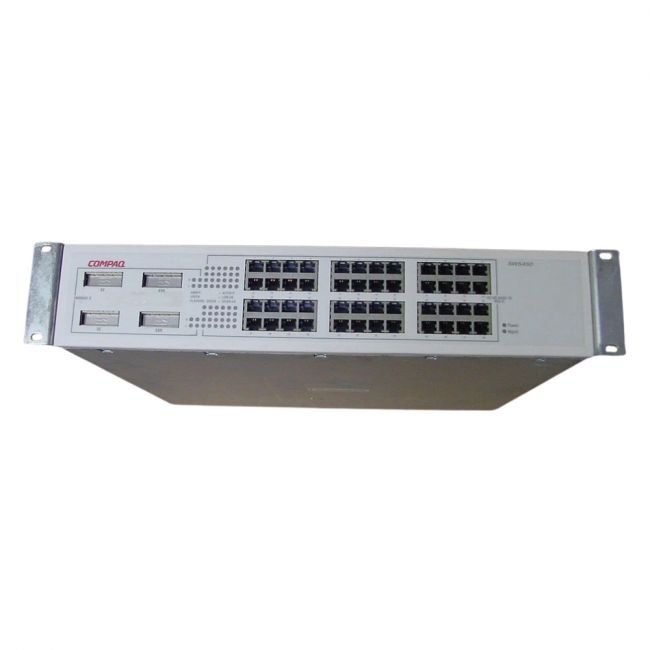
The HP Compaq SW5450 48-Port RJ-45 Fast Ethernet Switch is a network device designed to expand Ethernet connectivity by providing numerous RJ-45 ports for wired connections. It fits well in environments that require dependable Fast Ethernet access and straightforward network management, serving as a practical component within office or enterprise network setups. |
General Information |
|
|---|---|
| Brand | HP |
| Condition | Refurbished |
Technical Information |
|
|---|---|
| Switch Ports | 48 |
| Number of Ports | 48-Ports |
| Port Type | 10/100Base-TX |
| Port Speed | 10/100 Mbps |
| POE Support | No |
| Connector Type | RJ-45 |
Physical Characteristics |
|
|---|---|
| Weight | 3.00 |
Miscellaneous |
|
|---|---|
| Assembly Required | No |
Product Description |
|---|
The HP Compaq SW5450 48-Port RJ-45 Fast Ethernet Switch delivers stable network performance with its 48 RJ-45 ports, making it a solid choice for expanding wired connections in business environments. It is often found in small to medium office networks and data closets, providing multiple devices with consistent network access. Built for network administrators and IT professionals, this switch supports straightforward integration into existing network infrastructures, allowing efficient management of local area networks. Its design and features support environments where reliable, fast Ethernet connectivity is essential. Key Features
This switch plays a key role in managing network traffic efficiently, maintaining consistent data flow and network stability. Its reliable build and performance help ensure long-term usability in business networks where steady Ethernet connections are needed. |
Use Cases |
|---|
The HP Compaq SW5450 switch is typically deployed in environments where multiple wired connections are necessary and where Fast Ethernet speeds suffice for day-to-day network operations. It's especially useful for organizations managing numerous desktop systems or networked devices that need stable and predictable connectivity. How It's Used:
This switch supports operational efficiency by enabling numerous devices to connect reliably to the network, simplifying network expansion without complex configurations. Its stable performance aids in maintaining network uptime and smooth communication across connected equipment. |
 Shipping Options
 International Delivery
Requires a UPS, FedEx, or DHL account. Customers may arrange pickup from our US warehouse.
International Delivery
Requires a UPS, FedEx, or DHL account. Customers may arrange pickup from our US warehouse.
 Payment Methods
We accept Visa, Mastercard, AMEX, Discover, and Wire Transfer.
Payment Methods
We accept Visa, Mastercard, AMEX, Discover, and Wire Transfer.
 Purchase Orders
We process purchase orders for government agencies, enterprises, data centers, and SMBs.
Purchase Orders
We process purchase orders for government agencies, enterprises, data centers, and SMBs.