

Subscribe To Our Newsletter!
Subscribe to the newsletter to stay up to date with the latest news and most useful
Newsletter
↑
Back to Top



Product Overview |
|---|
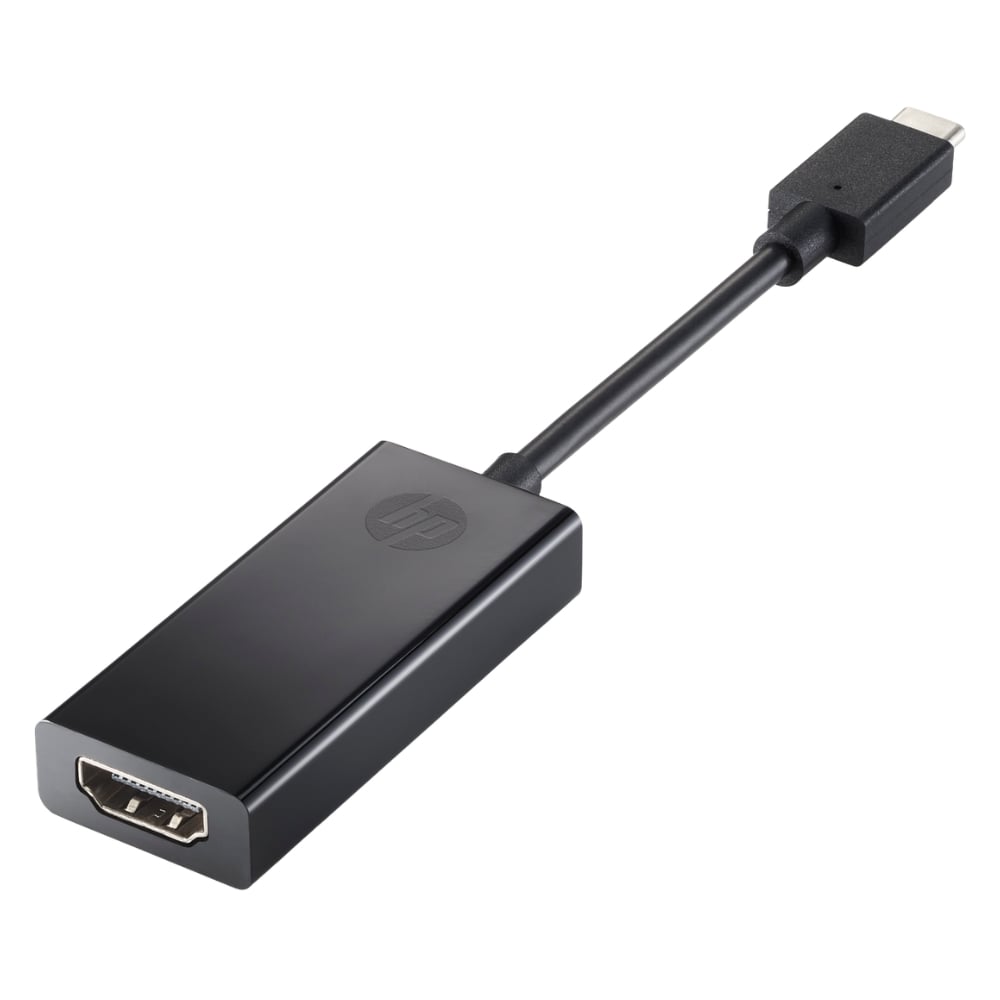
The 2PC54AA#ABB HP Pavilion USB-C to HDMI 2.0 Adapter converts USB-C signals to HDMI, enabling connection to external displays at resolutions up to 4K at 60Hz. It fits well in setups where a simple and portable video output solution is needed, bridging modern USB-C devices with standard HDMI monitors or projectors. |
General Information |
|
|---|---|
| Brand | HP |
Technical Information |
|
|---|---|
| Cable Family | USB |
| Cable Type | Adapter Cable |
| Standard | HDMI 2.0 |
| Data Rate | 18 Gbps |
| Compatibility | USB-C hosts supporting DisplayPort Alt Mode (e.g., HP Pavilion and other laptops/tablets with USB-C video output) |
| product type | Adapter |
| Product Category | Cables & Adapters |
Connectivity |
|
|---|---|
| Connector A | USB-C (Type-C) |
| Connector B | HDMI |
| Cable Connector Gender | Male to Female |
| Connector Type | USB-C to HDMI |
Physical Characteristics |
|
|---|---|
| Form Factor | Dongle |
| Weight | 3.00 |
| Condition | Refurbished |
Product Description |
|---|
The HP Pavilion USB-C to HDMI 2.0 Adapter facilitates seamless video and audio transmission from USB-C enabled devices to HDMI displays. It is commonly used in environments where connecting modern laptops or tablets to external monitors or projectors is necessary. Built for professionals, students, and general users who need reliable video output, this adapter fits into workspaces and mobile setups alike. Its straightforward design makes it easy to integrate into existing technology setups without hassle. Key Features
The adapter serves as a dependable bridge between USB-C devices and HDMI-equipped displays, maintaining consistent signal quality. Its performance and build quality make it a practical accessory for extending or mirroring screens. Overall, it offers straightforward functionality without complex setup, contributing to effective workstation or presentation environments that require reliable connectivity. |
Use Cases |
|---|
This adapter is typically employed in professional and educational settings where USB-C laptops or tablets need to connect to larger HDMI displays. It benefits users requiring clear, high-resolution video for presentations, extended desktops, or media playback across various environments. How It's Used:
By providing stable and high-quality video transmission, this adapter helps maintain productivity and flexibility in technology workflows. Its compatibility and ease of use make it a practical tool in environments where display versatility is important. |
 Shipping Options
 International Delivery
Requires a UPS, FedEx, or DHL account. Customers may arrange pickup from our US warehouse.
International Delivery
Requires a UPS, FedEx, or DHL account. Customers may arrange pickup from our US warehouse.
 Payment Methods
We accept Visa, Mastercard, AMEX, Discover, and Wire Transfer.
Payment Methods
We accept Visa, Mastercard, AMEX, Discover, and Wire Transfer.
 Purchase Orders
We process purchase orders for government agencies, enterprises, data centers, and SMBs.
Purchase Orders
We process purchase orders for government agencies, enterprises, data centers, and SMBs.