

Subscribe To Our Newsletter!
Subscribe to the newsletter to stay up to date with the latest news and most useful
Newsletter
↑
Back to Top



Product Overview |
|---|
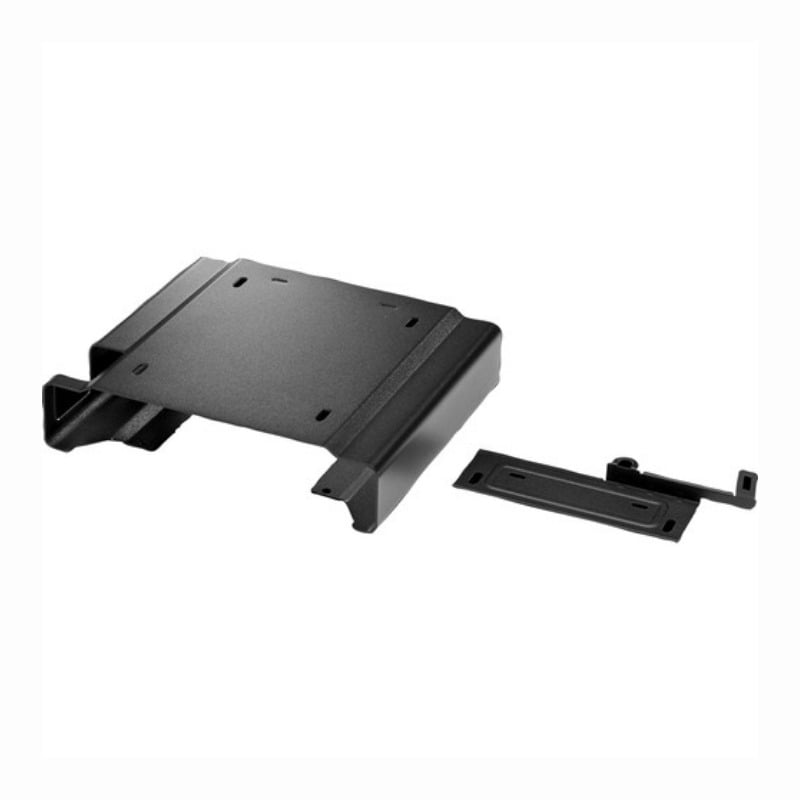
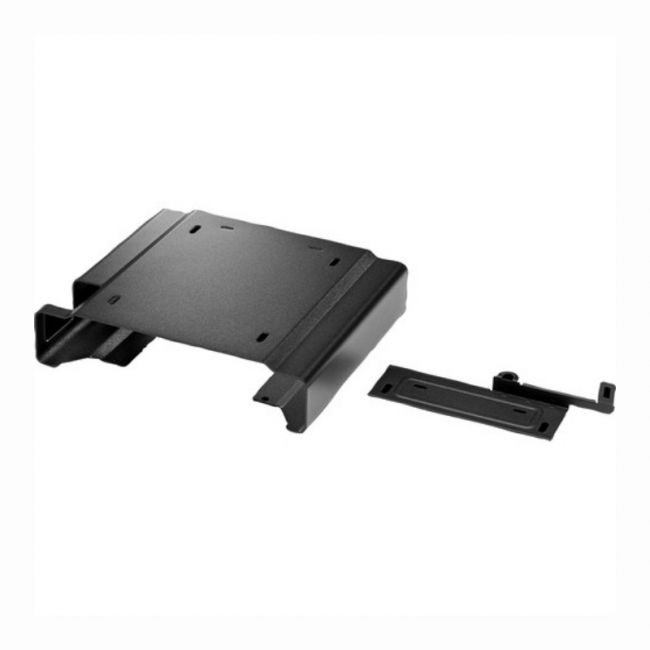
The HP Desktop Mini Security/Dual VESA Sleeve V2 provides a straightforward solution for securing HP Desktop Mini PCs while offering flexible mounting options. It fits the device snugly and can be mounted using two VESA points, making it suitable for workplaces that need to protect small form factor computers without compromising accessibility or space. |
General Information |
|
|---|---|
| Brand | HP |
| Part Number | 2JA32AT |
Technical Information |
|
|---|---|
| Series | Desktop Mini V2 |
| product type | Security/Dual VESA Sleeve |
| Product Category | Mounting Kits |
| Compatibility | HP Desktop Mini systems |
Miscellaneous |
|
|---|---|
| Assembly Required | Yes |
| Eco Friendly | Yes |
| Compliance Standards | WEEE, RoHS, cURus, CE, FCC, CCC, UL, TUV, cULus, CSA, cUL |
Physical Characteristics |
|
|---|---|
| Form Factor | VESA Sleeve |
| Weight | 5.00 |
| Condition | Refurbished |
Product Description |
|---|
This security and dual VESA sleeve is built for HP Desktop Mini PCs to provide a practical way to secure the device against theft or accidental movement. It's often found in office spaces, retail environments, or public settings where desktop minis need to remain fixed and protected. Commonly used in combination with VESA-compatible mounts, it offers flexibility by allowing the device to be mounted behind monitors or on walls, keeping workspaces neat and secure. IT managers and administrators who manage multiple small form factor PCs benefit from the added peace of mind this sleeve provides. Key Features
The sleeve is typically deployed in corporate offices, schools, and retail environments where space-saving and device security are important. It helps reduce risks of theft while keeping the desktop mini easily accessible for users. Its dual mounting options also help create cleaner, more organized work areas by hiding devices out of the way. |
Use Cases |
|---|
The HP Desktop Mini Security/Dual VESA Sleeve V2 is ideal for organizations deploying compact desktop PCs in constrained spaces where physical security and flexible mounting are priorities. It benefits IT administrators in environments such as corporate offices, educational institutions, and retail locations seeking to safeguard small form factor devices against unauthorized access or theft while maintaining organized workstations. How It's Used:
This security sleeve supports streamlined device management and operational efficiency by enabling secure, space-saving installations without compromising accessibility. Its compatibility with dual VESA mounts allows IT teams to implement scalable deployments across diverse environments while maintaining consistent physical security standards. |
 Shipping Options
 International Delivery
Requires a UPS, FedEx, or DHL account. Customers may arrange pickup from our US warehouse.
International Delivery
Requires a UPS, FedEx, or DHL account. Customers may arrange pickup from our US warehouse.
 Payment Methods
We accept Visa, Mastercard, AMEX, Discover, and Wire Transfer.
Payment Methods
We accept Visa, Mastercard, AMEX, Discover, and Wire Transfer.
 Purchase Orders
We process purchase orders for government agencies, enterprises, data centers, and SMBs.
Purchase Orders
We process purchase orders for government agencies, enterprises, data centers, and SMBs.