

Subscribe To Our Newsletter!
Subscribe to the newsletter to stay up to date with the latest news and most useful
Newsletter
↑
Back to Top



Product Overview |
|---|
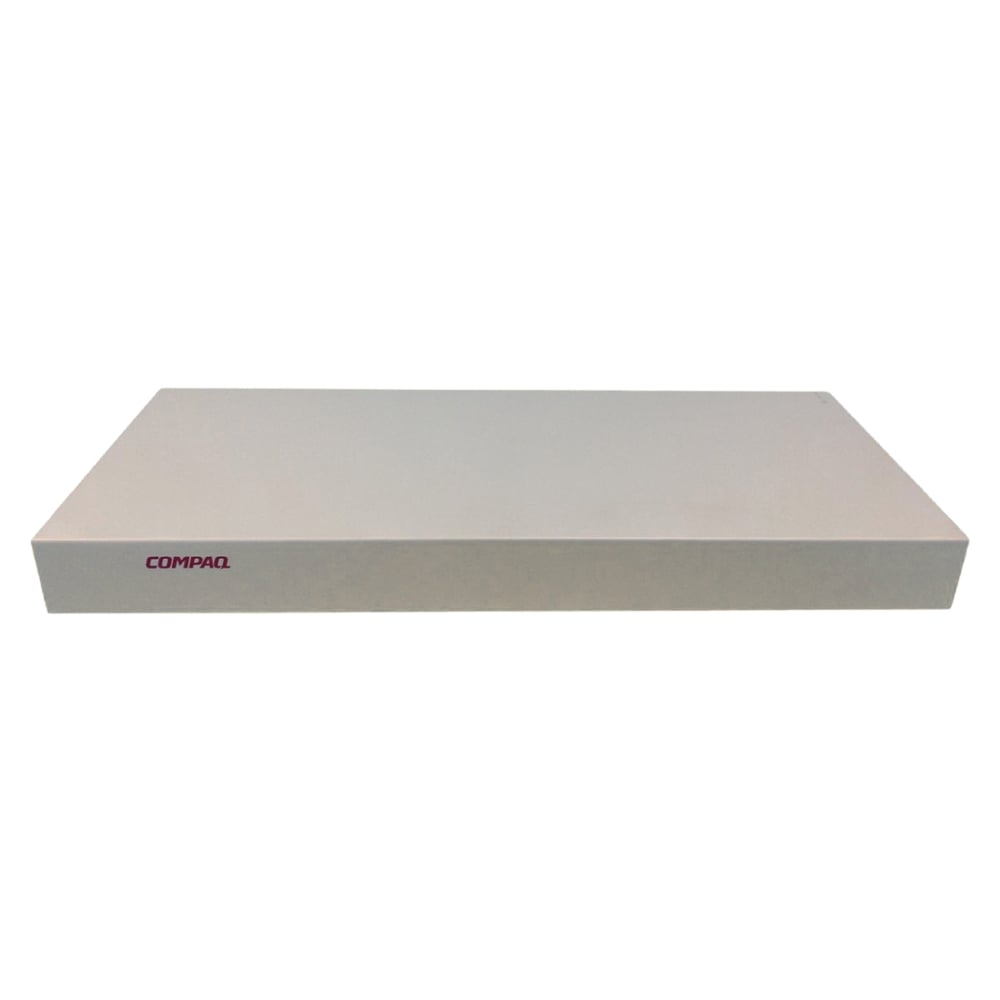
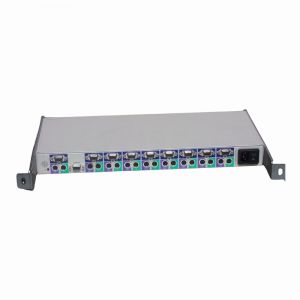
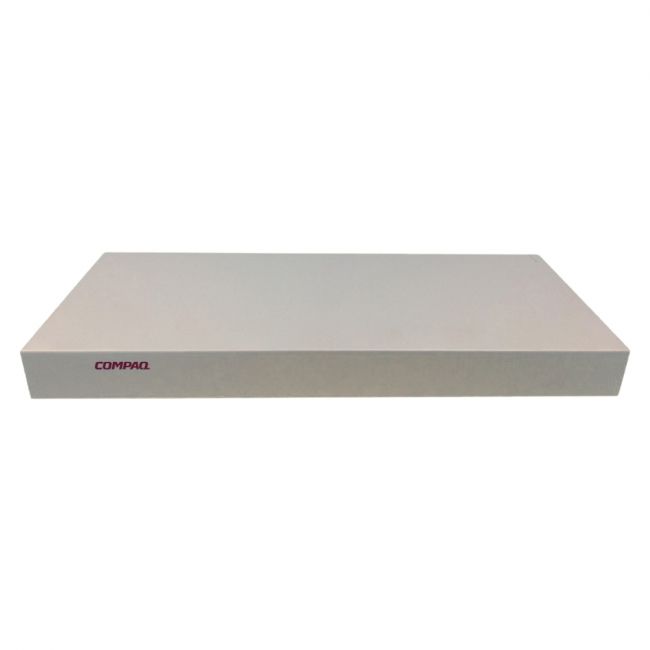
The 147094-001 HP 1 X 8-Port 1U KVM Server Console Switch facilitates efficient management of multiple servers through a single console interface. Designed to fit within a standard 1U rack unit, it is well-suited for environments where space and accessibility are critical. This switch provides clear video output and quick switching capabilities, making it a practical tool for server administration tasks. |
General Information |
|
|---|---|
| Brand | HP |
| Condition | Refurbished |
Technical Information |
|
|---|---|
| Switch Ports | 8 |
| Number of Ports | 8-Ports |
| Port Type | USB Console |
| POE Support | No |
| VLAN Support | No |
| Stackable | No |
| Connector Type | VGA,PS/2,USB |
Management and Configuration |
|
|---|---|
| Remote Protocols | No |
| Management Interfaces | VGA,USB |
| Management Type | Local Console |
Power & Cooling |
|
|---|---|
| Fans | No |
Physical Characteristics |
|
|---|---|
| Weight | 3.00 |
Miscellaneous |
|
|---|---|
| Assembly Required | No |
Product Description |
|---|
The 147094-001 HP 1 X 8-Port 1U KVM Server Console Switch allows administrators to control multiple servers from a single keyboard, video monitor, and mouse. Often found in data centers and IT racks, this device simplifies server management by consolidating access points. Built for IT professionals and system administrators, it provides a straightforward way to monitor and control several servers without the need for multiple consoles. Key Features
This KVM switch plays a practical role in streamlining server control within rack environments. Its reliability and compact design contribute to consistent performance and help reduce equipment clutter. By enabling centralized access, it supports smoother operational workflows. |
Use Cases |
|---|
This KVM switch is typically deployed in rack-based server environments where multiple servers require centralized control. IT teams and system administrators benefit by reducing the number of consoles needed to manage hardware, improving efficiency. It fits well in settings such as data centers, enterprise server rooms, and remote IT closets. How It's Used:
The switch enhances operational efficiency by simplifying hardware management and conserving space within rack deployments. It supports scalability by allowing easy connection of additional servers as infrastructure grows, maintaining consistent performance across diverse environments. |
 Shipping Options
 International Delivery
Requires a UPS, FedEx, or DHL account. Customers may arrange pickup from our US warehouse.
International Delivery
Requires a UPS, FedEx, or DHL account. Customers may arrange pickup from our US warehouse.
 Payment Methods
We accept Visa, Mastercard, AMEX, Discover, and Wire Transfer.
Payment Methods
We accept Visa, Mastercard, AMEX, Discover, and Wire Transfer.
 Purchase Orders
We process purchase orders for government agencies, enterprises, data centers, and SMBs.
Purchase Orders
We process purchase orders for government agencies, enterprises, data centers, and SMBs.