

Subscribe To Our Newsletter!
Subscribe to the newsletter to stay up to date with the latest news and most useful
Newsletter
↑
Back to Top



Product Overview |
|---|
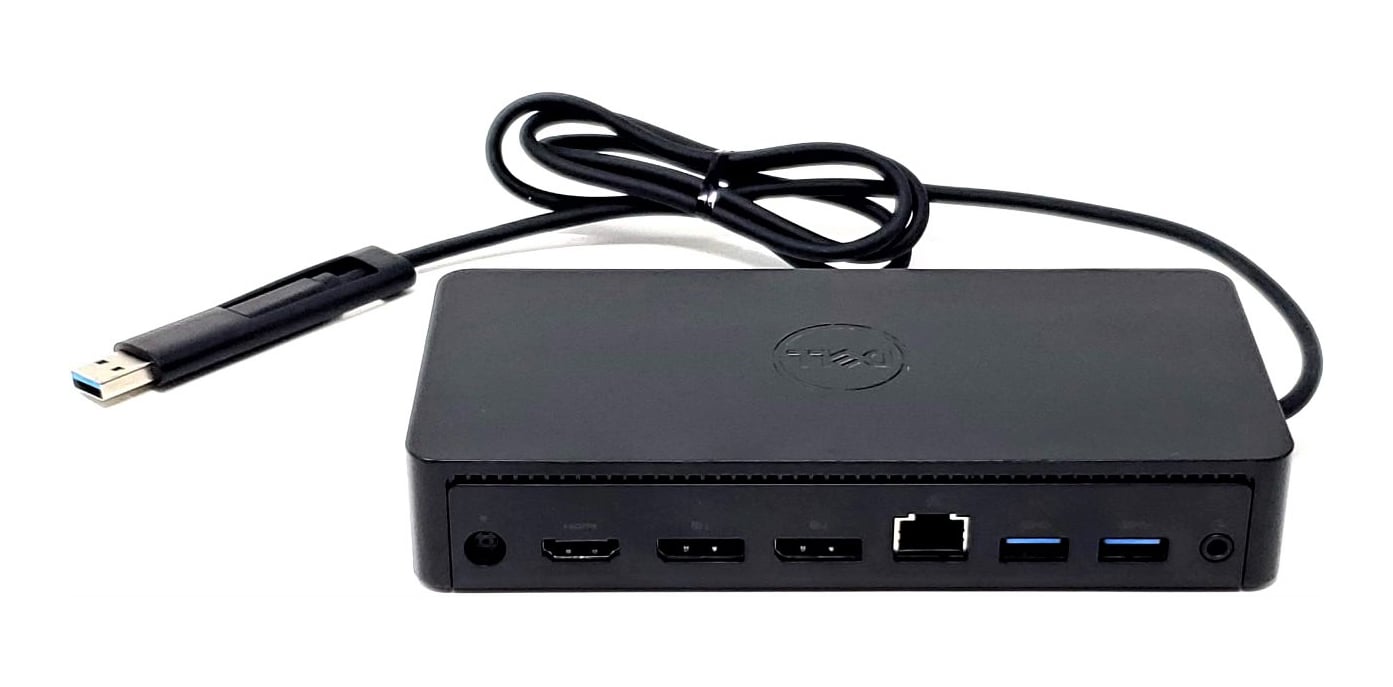
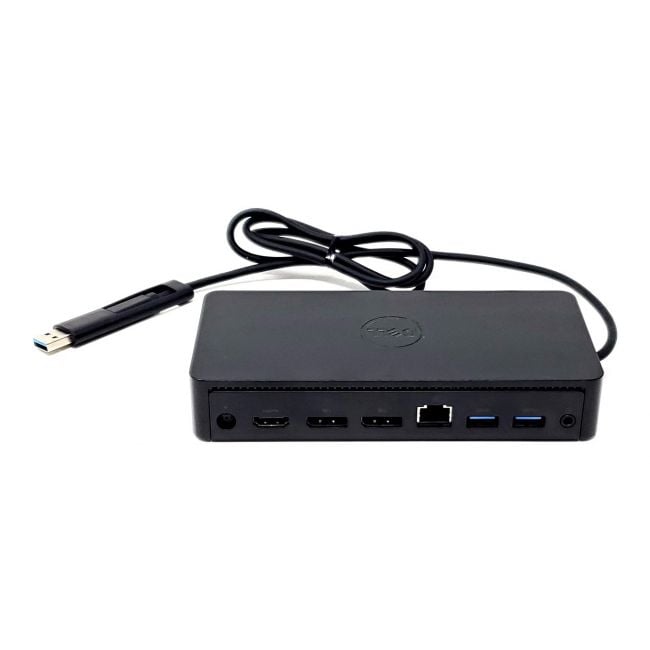
The Dell D6000 USB Type-C and USB 3.0 Docking Station expands laptop connectivity by enabling multiple high-resolution displays and peripheral connections through a single device. It fits well in work environments requiring efficient and versatile docking solutions. |
General Information |
|
|---|---|
| Brand | Dell |
| Part Number | 0M4TJG |
Technical Information |
|
|---|---|
| USB Port | USB-C (host), USB 3.0 (host), USB 3.0 Type-A (downstream) |
| Ports | USB 3.0 Type-A: 4, USB-C (upstream/host): 1, DisplayPort: 2, HDMI: 1, Ethernet (RJ-45): 1, Audio (3.5mm): 1 |
| Audio Ports | 3.5mm combo audio jack (headset/headphone with microphone support) |
| Output Connectors | HDMI, DisplayPort, USB-A (Type-A 3.0), USB-C, RJ45 (Ethernet) |
Physical Characteristics |
|
|---|---|
| Weight | 5.00 |
| Condition | Refurbished |
Miscellaneous |
|
|---|---|
| Eco Friendly | Yes |
Product Description |
|---|
The Dell D6000 docking station extends your laptop's connectivity by offering versatile ports and display options. It's commonly used in office environments where multiple monitors and peripherals need to be connected seamlessly. Built for professionals who require efficient workspace setups, this dock supports both USB Type-C and USB 3.0 connections, making it adaptable to different devices. It's often found in businesses aiming to simplify workstation management while enhancing productivity. Key Features
These docking stations are typically deployed in office desks, remote work setups, and conference rooms where flexible connectivity is crucial. Users benefit from streamlined connections and enhanced multitasking capabilities without constantly plugging and unplugging devices. |
Use Cases |
|---|
The Dell D6000 USB Type-C and USB 3.0 Docking Station is designed for workspaces where users require multiple high-resolution displays and extensive peripheral connectivity from a single access point. It is particularly suited for professionals in hybrid office setups, creative workstations, and IT environments where multi-device integration is critical. How It's Used:
This docking station aids operational efficiency by consolidating multiple connections, reducing desk clutter, and supporting scalable monitor configurations. Its compatibility with different systems helps maintain consistent performance across diverse IT infrastructures. |
 Shipping Options
 International Delivery
Requires a UPS, FedEx, or DHL account. Customers may arrange pickup from our US warehouse.
International Delivery
Requires a UPS, FedEx, or DHL account. Customers may arrange pickup from our US warehouse.
 Payment Methods
We accept Visa, Mastercard, AMEX, Discover, and Wire Transfer.
Payment Methods
We accept Visa, Mastercard, AMEX, Discover, and Wire Transfer.
 Purchase Orders
We process purchase orders for government agencies, enterprises, data centers, and SMBs.
Purchase Orders
We process purchase orders for government agencies, enterprises, data centers, and SMBs.