

Subscribe To Our Newsletter!
Subscribe to the newsletter to stay up to date with the latest news and most useful
Newsletter
↑
Back to Top



Product Overview |
|---|
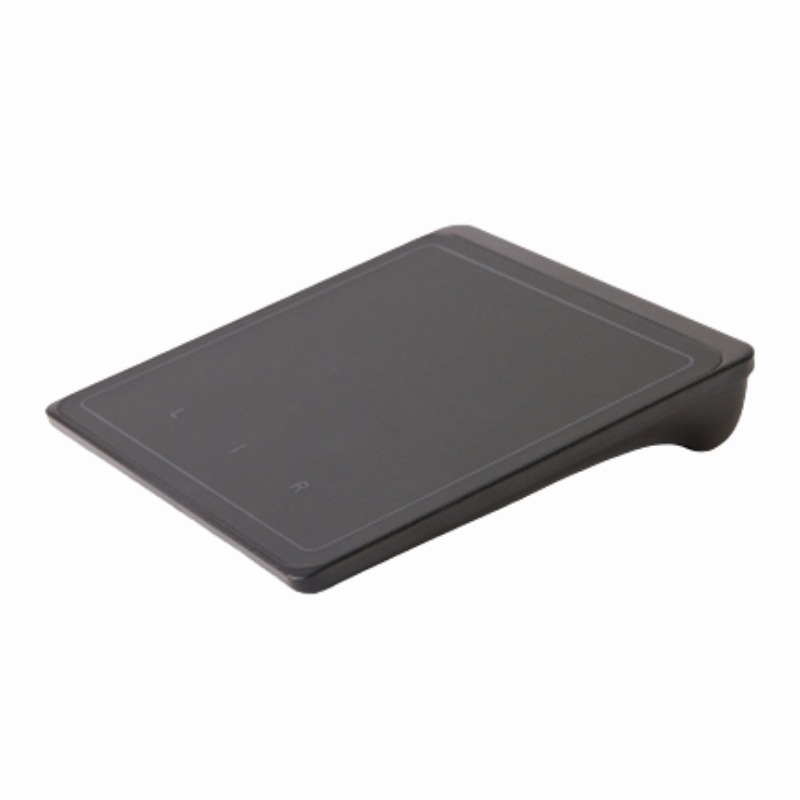
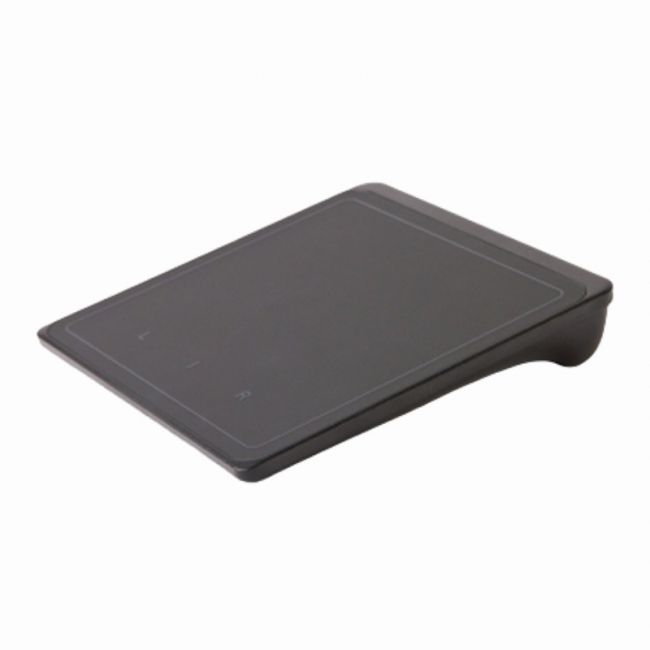
The Lenovo Wireless TouchPad for Windows 8 delivers a compact, Bluetooth-connected touch interface designed to enhance navigation on Windows 8 systems. It fits seamlessly into setups where users want a wireless, gesture-friendly input device, bridging the gap between traditional peripherals and touch-enabled functionality. |
General Information |
|
|---|---|
| Brand | Lenovo |
| Part Number | 0A33909 |
Technical Information |
|
|---|---|
| Compatibility | Windows 8 |
Miscellaneous |
|
|---|---|
| Assembly Required | Yes |
| Eco Friendly | Yes |
| Compliance Standards | WEEE, RoHS, CE, FCC |
Physical Characteristics |
|
|---|---|
| Weight | 5.00 |
| Condition | Refurbished |
Product Description |
|---|
The Lenovo Wireless TouchPad offers a convenient way to navigate Windows 8 devices with intuitive multi-touch gestures. It is built for users who prefer a touch-based interface over traditional mice and keyboards. Often found in environments where space is limited or mobility is key, this touchpad fits well with laptops, desktops, and home entertainment setups. It's especially useful for users who work with Windows 8’s touch-centric design and want a wireless, clutter-free input option. Key Features
It's typically deployed in home offices, living rooms, or workspace setups where a traditional mouse might be less convenient. Users appreciate the freedom it provides for navigating Windows 8’s interface without being tied down by wires. The touchpad offers a simple, reliable way to interact with Windows 8, making tasks like scrolling, zooming, and switching apps more natural and efficient. |
Use Cases |
|---|
The 0a33909 Lenovo Wireless TouchPad is suitable for users needing a flexible and portable input device that supports gesture-based navigation in a Windows 8 environment. How It's Used:
This touchpad effectively supports smooth interaction with Windows 8 features, making it a practical tool for both personal and professional applications. |
 Shipping Options
 International Delivery
Requires a UPS, FedEx, or DHL account. Customers may arrange pickup from our US warehouse.
International Delivery
Requires a UPS, FedEx, or DHL account. Customers may arrange pickup from our US warehouse.
 Payment Methods
We accept Visa, Mastercard, AMEX, Discover, and Wire Transfer.
Payment Methods
We accept Visa, Mastercard, AMEX, Discover, and Wire Transfer.
 Purchase Orders
We process purchase orders for government agencies, enterprises, data centers, and SMBs.
Purchase Orders
We process purchase orders for government agencies, enterprises, data centers, and SMBs.