

Subscribe To Our Newsletter!
Subscribe to the newsletter to stay up to date with the latest news and most useful
Newsletter
↑
Back to Top



Product Overview |
|---|
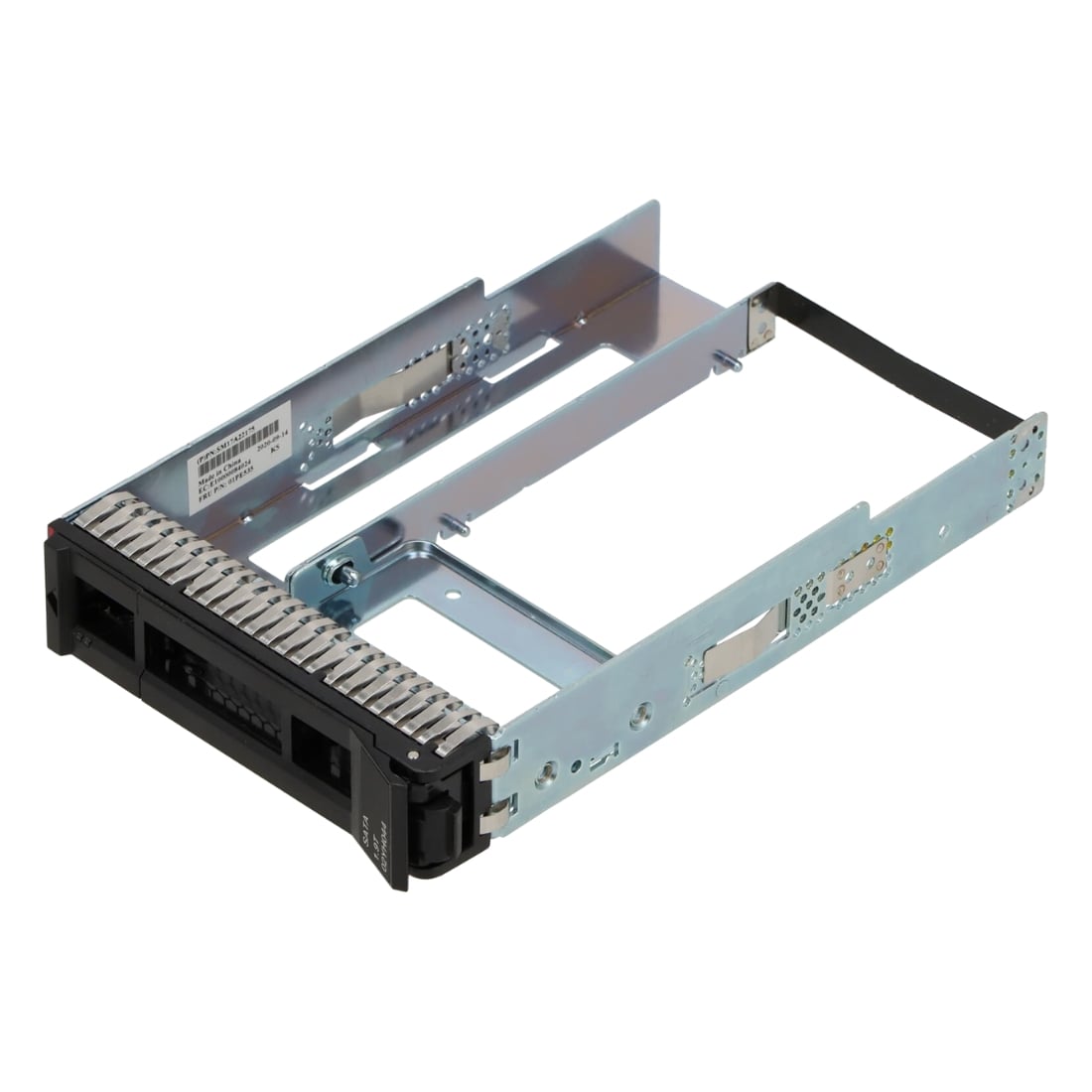
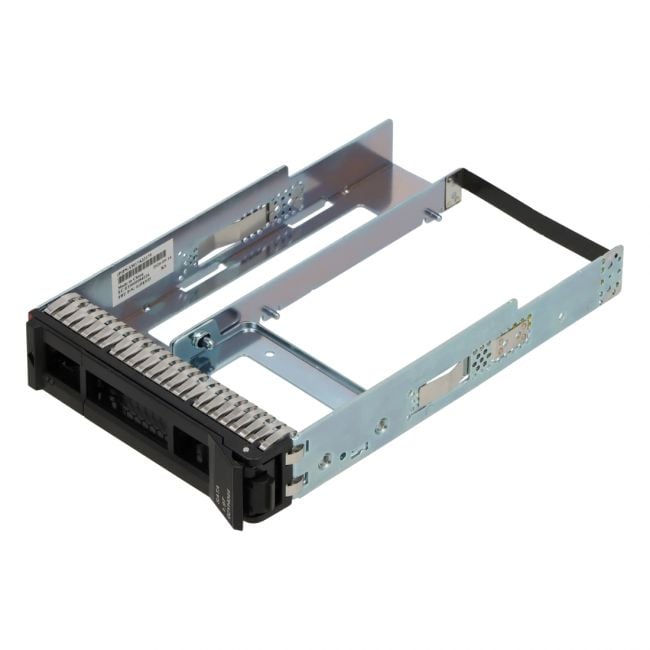
The Lenovo Gen 4 3.5" to 2.5" tool-less tray for ThinkSystem SR630 servers converts larger bays into slots for smaller drives, allowing easier upgrades and replacements. It fits directly into Gen 4 chassis without tools, making it a practical choice for managing storage in busy IT environments. |
General Information |
|
|---|---|
| Brand | Lenovo |
| Part Number | 01PE535 |
| Alternate Part Number | 01PE535-12-HU |
Technical Information |
|
|---|---|
| Series | ThinkSystem SR630 |
| product type | Hard drive tray / drive bay adapter |
| Product Category | Server Accessories |
| Compatibility | Lenovo ThinkSystem SR630 (Gen 4) |
Miscellaneous |
|
|---|---|
| Assembly Required | Yes |
| Eco Friendly | Yes |
Physical Characteristics |
|
|---|---|
| Form Factor | 3.5in bay to 2.5in drive, tool-less hot-swap tray |
| Weight | 3.00 |
| Condition | Refurbished |
Product Description |
|---|
This Lenovo Gen 4 tool-less drive tray is designed to adapt standard 3.5" bays to hold 2.5" drives securely in ThinkSystem SR630 servers. It simplifies upgrading or replacing drives by eliminating the need for screws or tools, speeding up maintenance tasks. Often found in data centers and enterprise environments, these trays help IT teams efficiently manage storage configurations while reducing downtime. Users who perform frequent drive swaps or upgrades benefit from the convenience and durability of this accessory. Key Features
This tray is commonly deployed in server racks where flexibility in drive sizes is needed without modifying existing hardware. It helps maintain optimal server uptime by making drive servicing straightforward and efficient. |
Use Cases |
|---|
The Lenovo Gen 4 3.5" to 2.5" tool-less tray is typically used in data center environments where Lenovo ThinkSystem SR630 servers are deployed. IT administrators and system integrators benefit from this solution by enabling flexible storage configurations without downtime or extensive hardware changes. How It's Used:
This tray enhances operational efficiency by simplifying storage modifications and reducing server downtime. It also supports scalable storage architecture, allowing IT teams to adapt hardware configurations dynamically to evolving workload demands. |
 Shipping Options
 International Delivery
Requires a UPS, FedEx, or DHL account. Customers may arrange pickup from our US warehouse.
International Delivery
Requires a UPS, FedEx, or DHL account. Customers may arrange pickup from our US warehouse.
 Payment Methods
We accept Visa, Mastercard, AMEX, Discover, and Wire Transfer.
Payment Methods
We accept Visa, Mastercard, AMEX, Discover, and Wire Transfer.
 Purchase Orders
We process purchase orders for government agencies, enterprises, data centers, and SMBs.
Purchase Orders
We process purchase orders for government agencies, enterprises, data centers, and SMBs.