

Subscribe To Our Newsletter!
Subscribe to the newsletter to stay up to date with the latest news and most useful
Newsletter
↑
Back to Top



Product Overview |
|---|
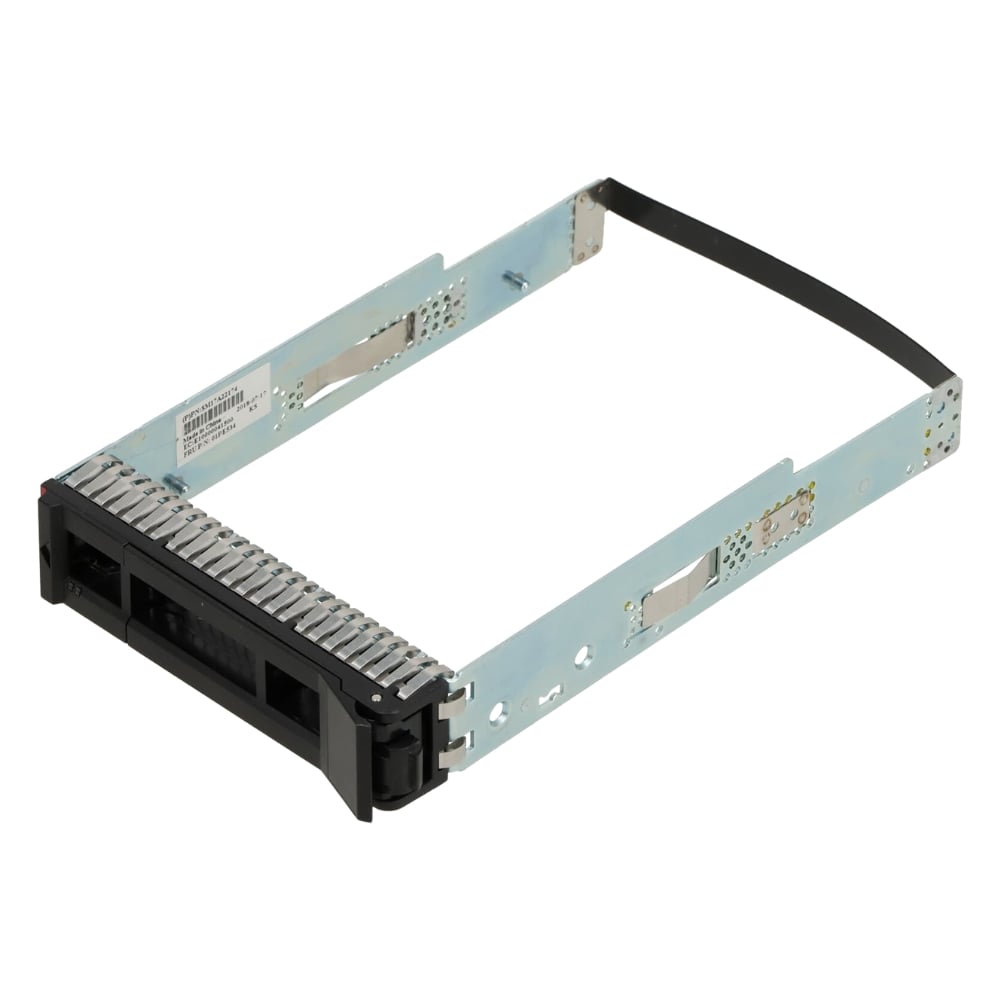
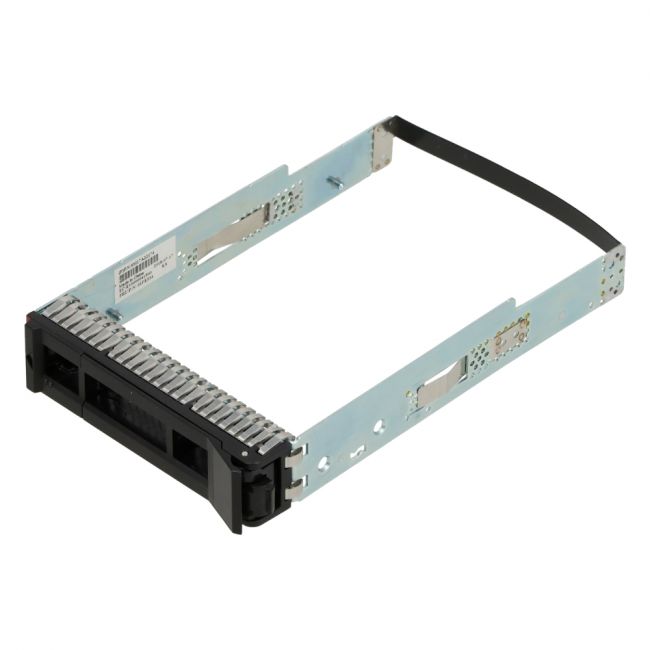
The Lenovo 3.5-Inch Drive Tray is built to hold and secure 3.5-inch drives within ThinkSystem SR650, SR550, and SR590 servers. It fits directly into the server chassis and allows for easy installation and removal of storage drives, making it a practical component in data centers and enterprise IT environments. |
General Information |
|
|---|---|
| Brand | Lenovo |
| Part Number | 01PE534 |
| Alternate Part Number | 01PE534-12-HU |
Technical Information |
|
|---|---|
| Series | ThinkSystem |
| product type | 3.5-inch Drive Tray / Drive Caddy |
| Product Category | Server Accessories |
| Compatibility | Lenovo ThinkSystem SR650, Lenovo ThinkSystem SR550, Lenovo ThinkSystem SR590 |
Miscellaneous |
|
|---|---|
| Assembly Required | Yes |
| Eco Friendly | Yes |
Physical Characteristics |
|
|---|---|
| Form Factor | 3.5-inch |
| Weight | 3.00 |
| Condition | Refurbished |
Product Description |
|---|
This Lenovo 3.5-Inch Drive Tray is designed to hold standard 3.5-inch hard drives securely within Lenovo ThinkSystem servers. It provides a convenient solution for adding or replacing storage drives in your system without hassle. Commonly used in data centers and enterprise environments, this drive tray fits perfectly in the SR650, SR550, and SR590 models, making it easy to maintain or upgrade your storage setup. Key Features
This drive tray is typically found installed in server racks where uptime and reliability are critical. It helps IT technicians manage storage hardware efficiently, reducing downtime during maintenance or upgrades. By securely housing drives, it contributes to the overall stability and performance of Lenovo ThinkSystem servers in professional settings. |
Use Cases |
|---|
The 01PE534 Lenovo 3.5-Inch Drive Tray is essential for managing and upgrading storage solutions within Lenovo ThinkSystem server environments. How It's Used:
By using this drive tray, IT professionals ensure that drives are safely installed and easily accessible, contributing to effective server storage management and reliability. |
 Shipping Options
 International Delivery
Requires a UPS, FedEx, or DHL account. Customers may arrange pickup from our US warehouse.
International Delivery
Requires a UPS, FedEx, or DHL account. Customers may arrange pickup from our US warehouse.
 Payment Methods
We accept Visa, Mastercard, AMEX, Discover, and Wire Transfer.
Payment Methods
We accept Visa, Mastercard, AMEX, Discover, and Wire Transfer.
 Purchase Orders
We process purchase orders for government agencies, enterprises, data centers, and SMBs.
Purchase Orders
We process purchase orders for government agencies, enterprises, data centers, and SMBs.