

Subscribe To Our Newsletter!
Subscribe to the newsletter to stay up to date with the latest news and most useful
Newsletter
↑
Back to Top



Product Overview |
|---|
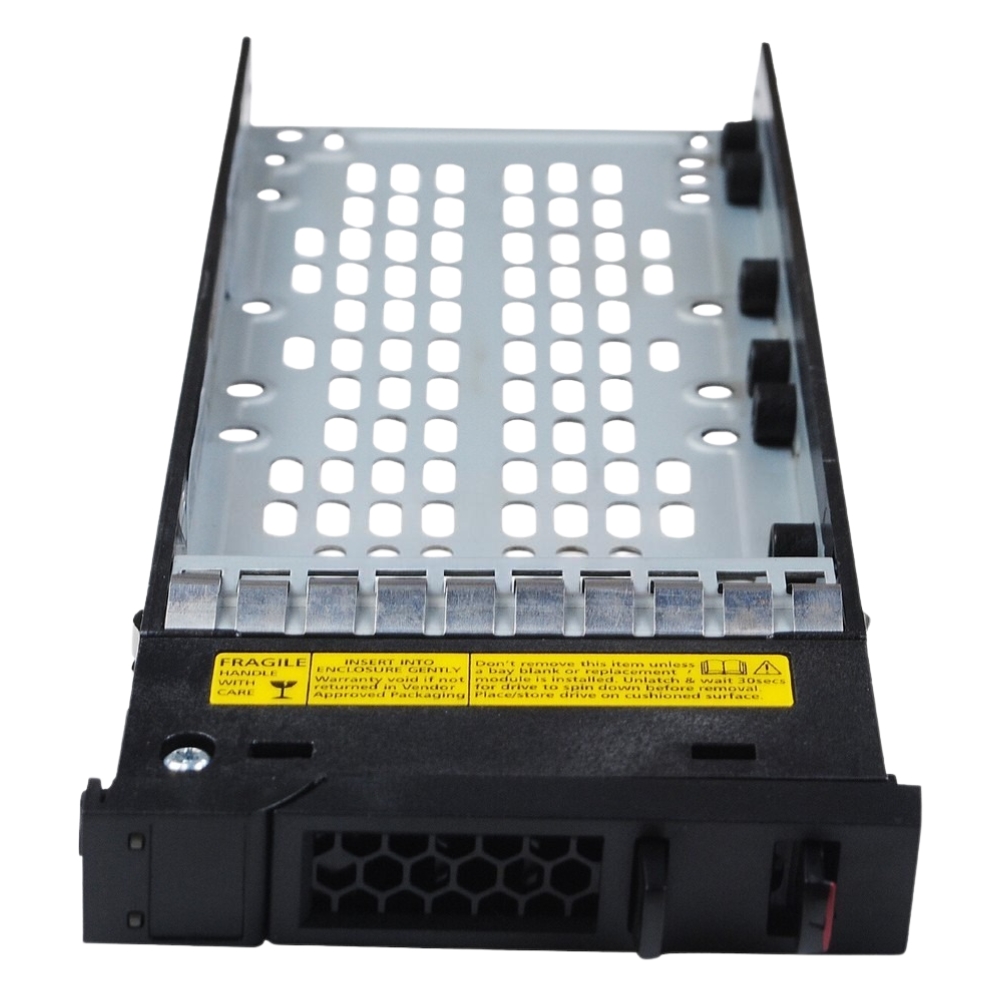
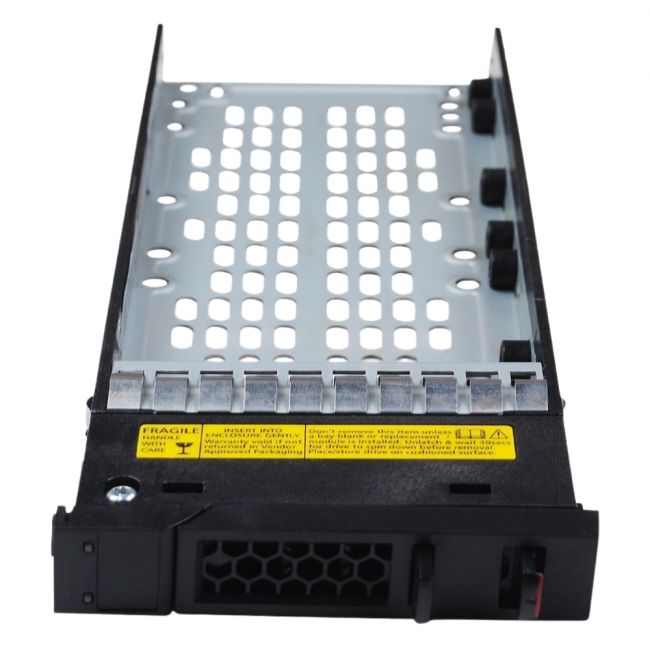
The 00MT546 Lenovo ThinkSystem drive tray holds 2.5-inch drives securely within DS4200, DS6200, and D1224 storage systems. It’s designed for straightforward installation and hot-swapping, making it a practical choice for data centers and environments where uptime matters. The tray integrates easily into Lenovo’s storage architecture to keep hardware changes quick and reliable. |
General Information |
|
|---|---|
| Brand | Lenovo |
| Part Number | 00MT546 |
| Alternate Part Number | 00MT546-02-CT |
Technical Information |
|
|---|---|
| Series | ThinkSystem |
| product type | Hot-Swap Drive Tray / Drive Caddy |
| Product Category | Storage Accessories |
| Compatibility | Lenovo ThinkSystem DS4200, Lenovo ThinkSystem DS6200, Lenovo D1224 |
Miscellaneous |
|
|---|---|
| Assembly Required | Yes |
| Eco Friendly | Yes |
| Compliance Standards | WEEE, RoHS, cURus, CE, FCC, CCC, UL, TUV, cULus, CSA, cUL |
Physical Characteristics |
|
|---|---|
| Form Factor | 2.5-inch |
| Weight | 3.00 |
| Condition | Refurbished |
Product Description |
|---|
This drive tray is built for Lenovo ThinkSystem storage arrays, providing a reliable slot for 2.5-inch hard drives or SSDs. It's commonly found in data centers and enterprise environments where maintaining uptime during drive replacements is critical. Typically used by IT professionals and system administrators, the tray supports quick hot-swapping without powering down the system, simplifying hardware management and minimizing service interruptions. Key Features
These trays are a standard component in many server racks and storage enclosures, helping maintain system performance by streamlining drive replacements. Their straightforward design ensures IT teams spend less time on hardware swaps and more on managing data. |
Use Cases |
|---|
This drive tray is used primarily in enterprise storage environments where maintaining uptime and ease of hardware management are critical. How It's Used:
By using this drive tray, IT professionals can ensure efficient and reliable storage hardware management in demanding data center environments. |
 Shipping Options
 International Delivery
Requires a UPS, FedEx, or DHL account. Customers may arrange pickup from our US warehouse.
International Delivery
Requires a UPS, FedEx, or DHL account. Customers may arrange pickup from our US warehouse.
 Payment Methods
We accept Visa, Mastercard, AMEX, Discover, and Wire Transfer.
Payment Methods
We accept Visa, Mastercard, AMEX, Discover, and Wire Transfer.
 Purchase Orders
We process purchase orders for government agencies, enterprises, data centers, and SMBs.
Purchase Orders
We process purchase orders for government agencies, enterprises, data centers, and SMBs.